Turn a MIDI file into a music video.
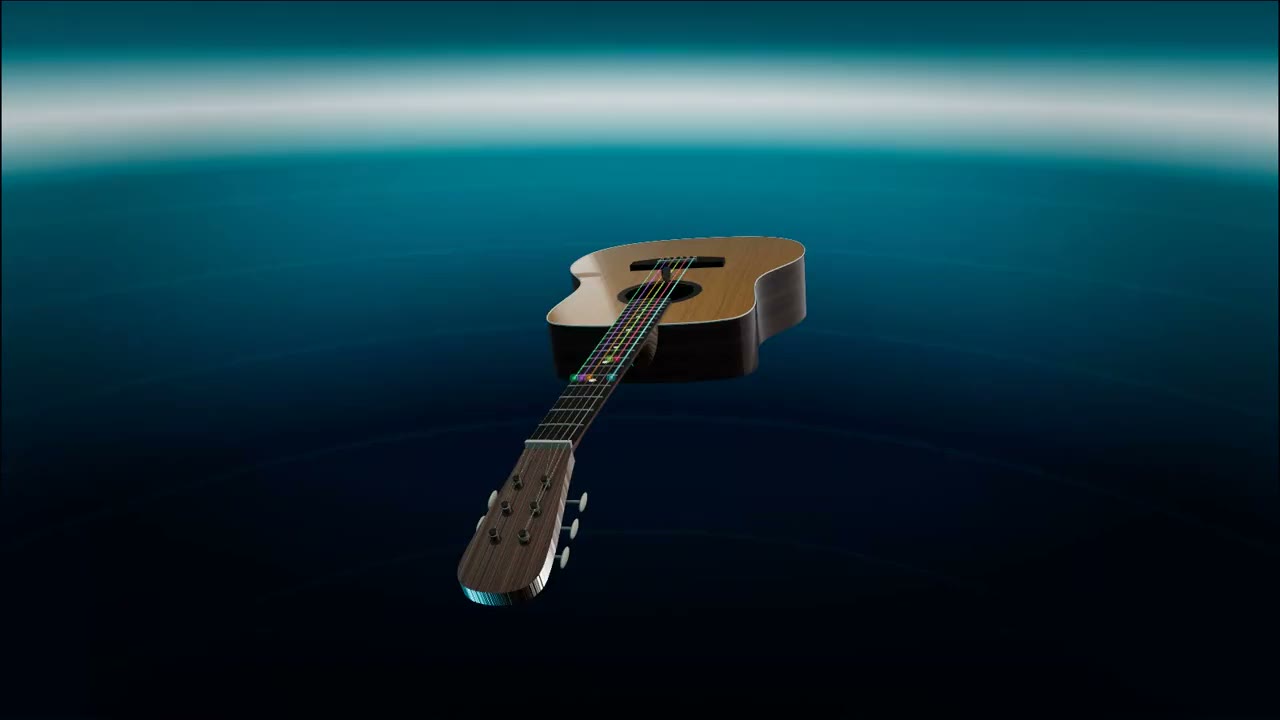
MIDI is a set of instructions, not a sound and certainly not a picture. This turns those instructions into something worth posting: a photoreal 3D guitar performs your file on real strings, and every note lights the fret a guitarist would actually reach for.
Most MIDI visualizers draw a piano roll, because most of them were built for piano. This one puts the notes on a fretboard and plays them, so the video reads as a performance rather than a chart scrolling past.
Start with your file
Drop a .mid or .midi file here, or a Guitar Pro tab (.gp through .gp7, MusicXML). It opens straight in the 3D Guitar. No MIDI on hand? Open it empty and start from a built-in demo song.
Or drag it anywhere onto this box. It plays in your browser and is saved to your own private library.
How do you turn a MIDI file into a video?
Load the .mid file into the 3D Guitar on Neural-Fretboard. The notes are mapped onto a six string neck, a photoreal guitar performs them with a pick and a moving fretting hand, and you choose the scene, the lighting, the body finish and the string colors. Then you export the take as a video file. Everything renders in your browser on your own machine, so there is no render queue to wait in.
The free plan renders 3 videos a month at full 1080p, each with a small neural-fretboard.com mark in the corner. Export is 9:16 for TikTok, Shorts and Reels, or 16:9 for YouTube. The Creator plan is EUR 7.99 a month or EUR 59 a year and removes the monthly limit and the mark, adds 60 fps, and lets you save your own looks and put your own artwork on the instrument.
From .mid to a finished clip
Drop the MIDI
Any standard MIDI file works. A multi track file is fine: pick which part the guitar performs and the rest of the arrangement plays underneath it.
Pick the room
Eleven looks change the scene, the light, the body finish and the string colors. The same file becomes a very different video depending on which one you choose.
Export
Vertical or landscape, rendered on your device. A two pass exporter writes a smooth file even when the live preview cannot keep up on a slower laptop.
How the notes end up on the neck
A MIDI file stores pitches, not fingerings. Middle C does not say which string it should be played on, and on a guitar most notes can be sounded in four or five different places. Somebody has to choose, and here the choice is made for the passage as a whole rather than one note at a time: the app weighs how far the hand would have to travel between consecutive notes and settles on the reading that asks for the least movement.
That is why the video reads as playable. Chords are voiced with a hand span a person could actually hold, notes that fall outside the range of the neck are folded by an octave rather than dropped, and the app tells you honestly how playable the result is instead of quietly pretending everything fits.
A Guitar Pro file skips all of that guesswork, because a tab already says which string and which fret. If you have one, use it: the app then plays the author’s exact fingering, including a capo and tunings like Drop D or Eb standard.
Why this exists
A MIDI file is exact and completely unwatchable. It holds every note of a part you may have spent hours on, and there is nothing to show anyone for it but a grid of rectangles. The usual way to post it is a screen recording of notation scrolling past, which shows the notes without showing them being played.
So the file becomes a performance instead. You get a video of an instrument playing your part, in the shape of the place you were going to post it anyway: vertical for TikTok, Reels and Shorts, or landscape for YouTube.
The way out of the app is made for a social account: the 3D instrument renders your file in 9:16 or 16:9, with your own look, your own colors and your own logo on the board.
What this does not do
It does not write the music. There is no MIDI editing here, so if the file has a wrong note in it, that note will be in the video. A separate step sequencer exists for building parts from scratch.
It does not accept an MP3 or a WAV. Turning a recording into notes is a different and much messier problem. Bring a Guitar Pro file or a MIDI file instead.
It is a guitar. A MIDI file written for strings, brass or a drum kit will still be performed on six strings, which is a stylistic choice rather than an orchestration. Files that were written for guitar, or for an instrument in a similar range, look the most convincing.
The honest specifics
- Free: 3 videos a month, full 1080p, all 11 built in looks, with a small neural-fretboard.com mark in the corner.
- Creator: EUR 7.99 a month or EUR 59 a year for unlimited videos with no mark, 60 fps, saved looks and your own artwork on the instrument.
- Rendering happens in your browser on your machine, so there is no queue. A file of your own is saved to your private library.
- Supported input: .mid and .midi, plus Guitar Pro .gp through .gp7 and MusicXML.