Skip to the studio
3 free videos a month, full 1080p

A real 3D guitarplays your tab.Then it listens.

Drop in your Guitar Pro or MIDI file. It plays your tuning, your capo and your palm mutes. Then it waits while you learn it.
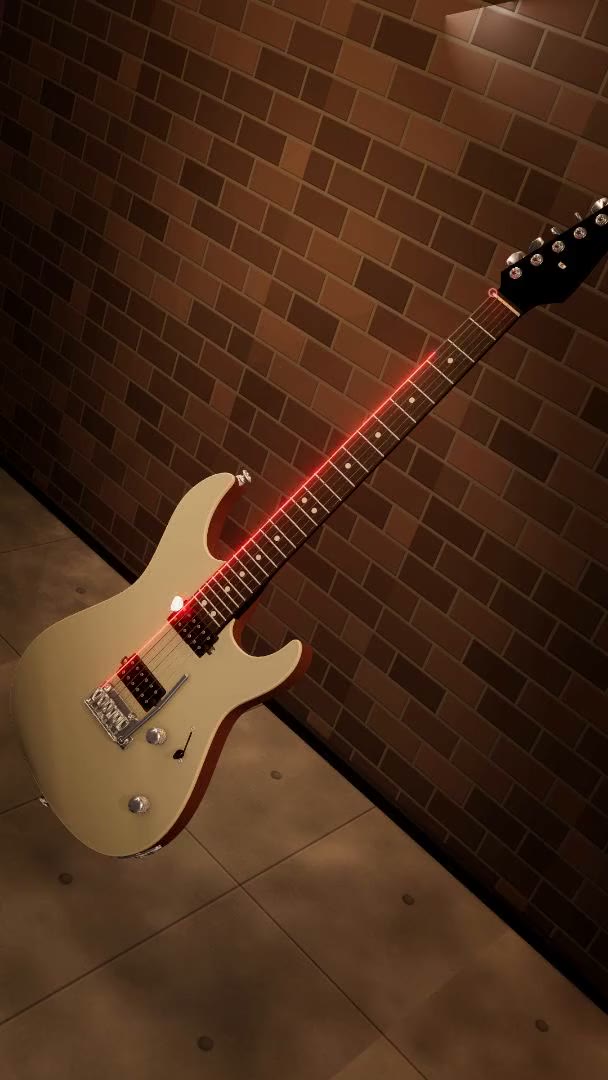
A vertical reel: one song played by a photoreal 3D guitar, cut across six of its eleven looks and both of its instruments. An electric against a lit brick wall, an acoustic in red forge light, close on a fretboard with the strings lighting up, a white acoustic in a bright concrete room, close again on a second fretboard, and a purple acoustic under neon.
Riffs
Classics

Drop your tab here.

Guitar Pro or MIDI, and it never leaves this browser. Needs a free account; the riffs above do not.

Free: 10 demo songs, no account. A free account adds 3 videos a month at 1080p, each with a small neural-fretboard.com mark, and 3 saved songs.
Your Guitar Pro folder

A tab tells you where. It never tells you when.

The 3D guitar on the Neon Stage look: the fret wires crowd together as they climb the neck, and each string lights in its own color the moment its note is struck.
  • Your tuningWhatever the tab is written in, the neck is retuned to it. Nothing is transposed to standard behind your back.
  • Your capoA capo in the file lands on the same fret on the neck, and the fingering is worked out above it.
  • Palm mutesA P.M. is choked and damped, not just played quieter. On the metal bank it is a real chug recording.
  • A hand’s fingeringSMART walks every voicing in the song and keeps the ones a hand can actually hold.

Six numbers on six lines never say how long to hold anything, and most tab tools just scroll those numbers past a cursor. This one plays the file instead of printing it, on an instrument built to a real scale length, so the frets crowd as they climb and the twelfth sits at the halfway point.

Then it tells you the truth about what it found: Easy, Hard, or Unrealistic.

The fingering engine

A MIDI never says which string. SMART works it out.

Pick each note on its own and you get the first string that can reach it, which is how a simple tapping lick ends up on one string, with a hand racing between the 2nd fret and the 13th. SMART solves the passage as a whole instead, and the same notes fall into a shape that stays put: three strings instead of one, and the hand moving under a fret per note instead of more than five.

EADGBe35791215
Strings used–
Hand travel per note–

Not every file needs this. Plenty of music already sits well on a neck, and on those the two answers are the same one. This is the file that shows what happens when it does not, and it is one of the ten you can open for free.

See it, slow it, play it.

01

Open a riff or drop in your tab.

Tap one of the riffs, or drop any Guitar Pro or MIDI file. It plays in the browser, on your phone or laptop.

02

Watch where the fingers go, as slow as you need.

The guitar plays it on the real strings and frets. Loop the hard bar and pull the speed down to 25 percent. Creator goes down to 5.

03

Turn on Practice and play it back to it.

The song holds on each note until your mic hears you play it, and when a chord misses it tells you which string was missing. Free on the demo riffs, Creator on your own songs.

One song. Eleven stages.

Each look restyles the whole instrument: scene, body finish, string colors, light and pose. Same song, unrecognisably different video. Six of the eleven are below.
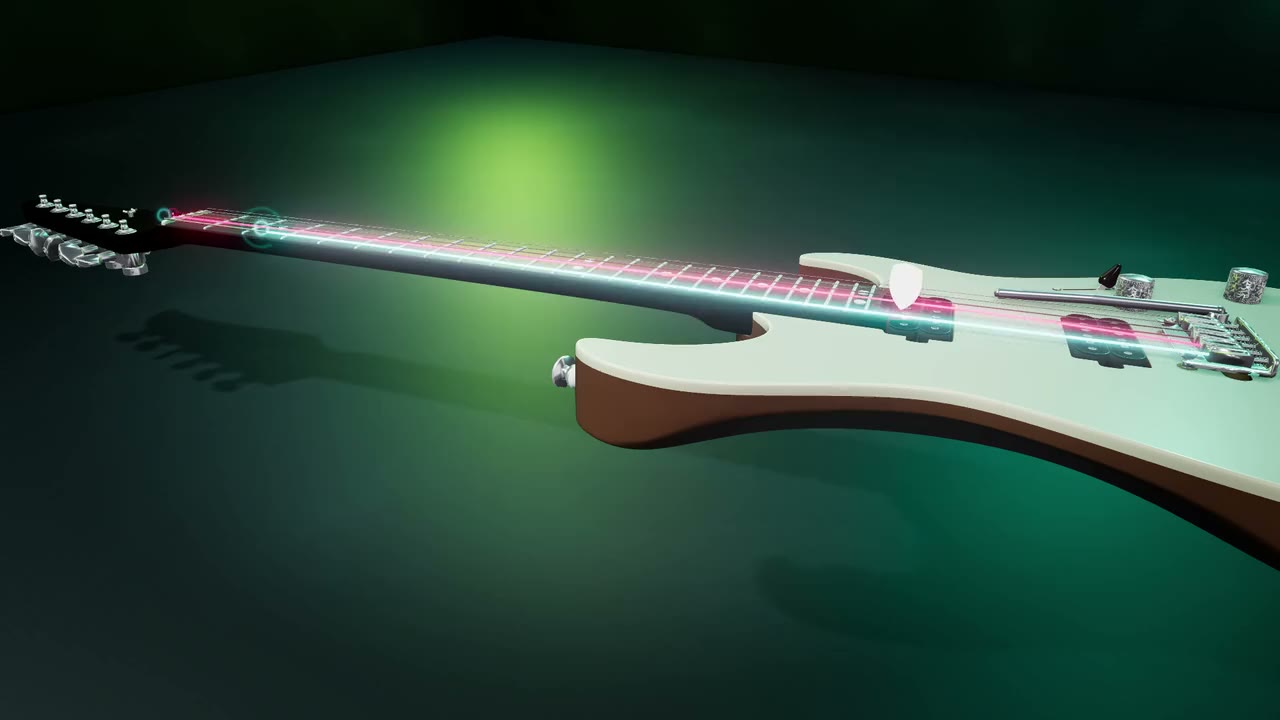
The 3D guitar in Neon Stage: a white electric on a teal floor, a green light pool behind it and lit strings running down the neck.
Neon StageWhite electric, teal room
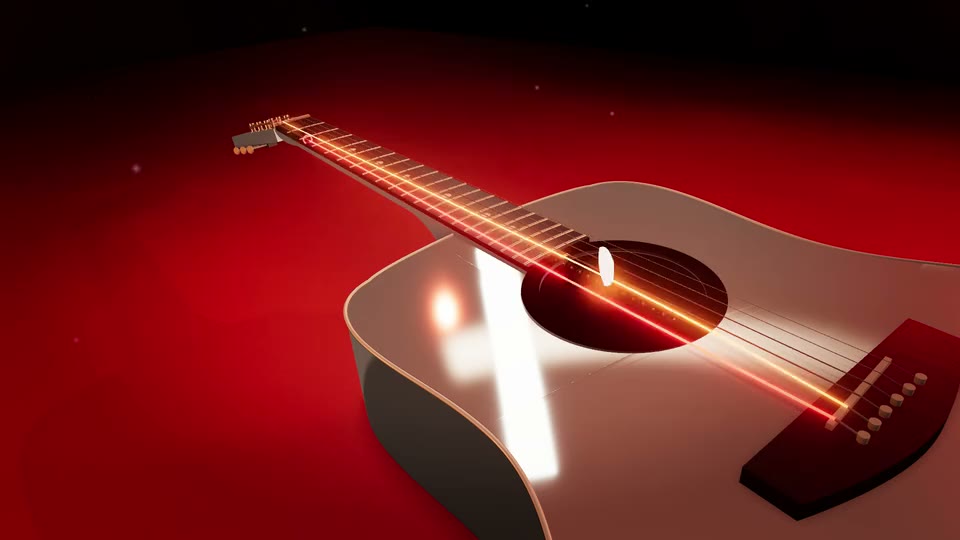
The 3D guitar in Ember Forge: a cream body raked by red forge light, the strings glowing over the soundhole.
Ember ForgeCream body, red forge
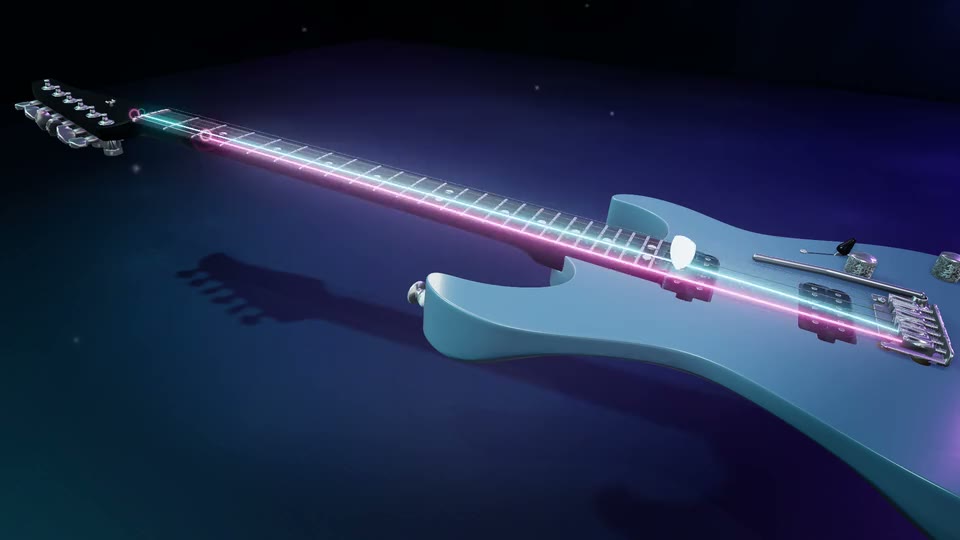
The 3D guitar in Vapor Ice: a pale blue electric in a violet room, cool strings ringing out.
Vapor IceIce-blue electric, violet
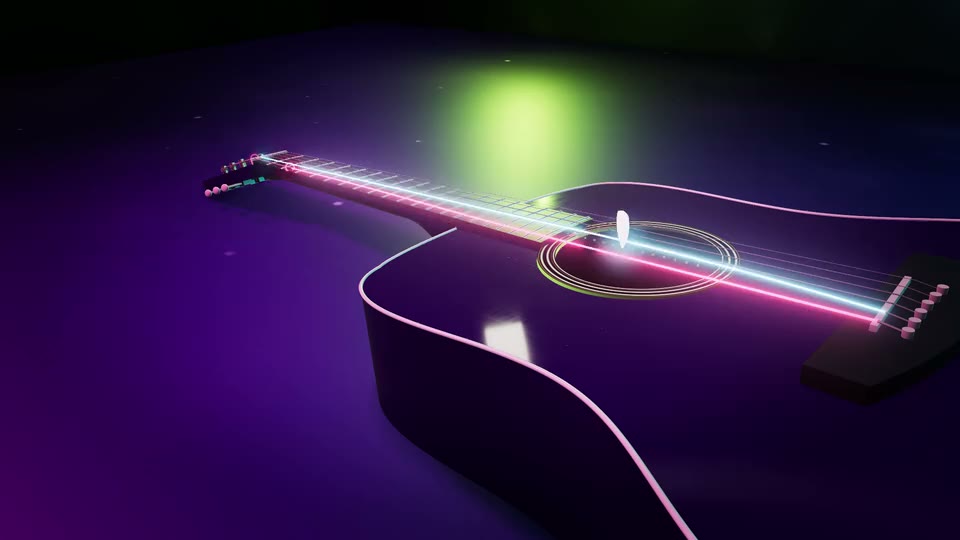
The 3D guitar in Arcade Neon: purple and blue neon washing a dark body, strings lit like an arcade cabinet.
Arcade NeonPurple neon, dark room
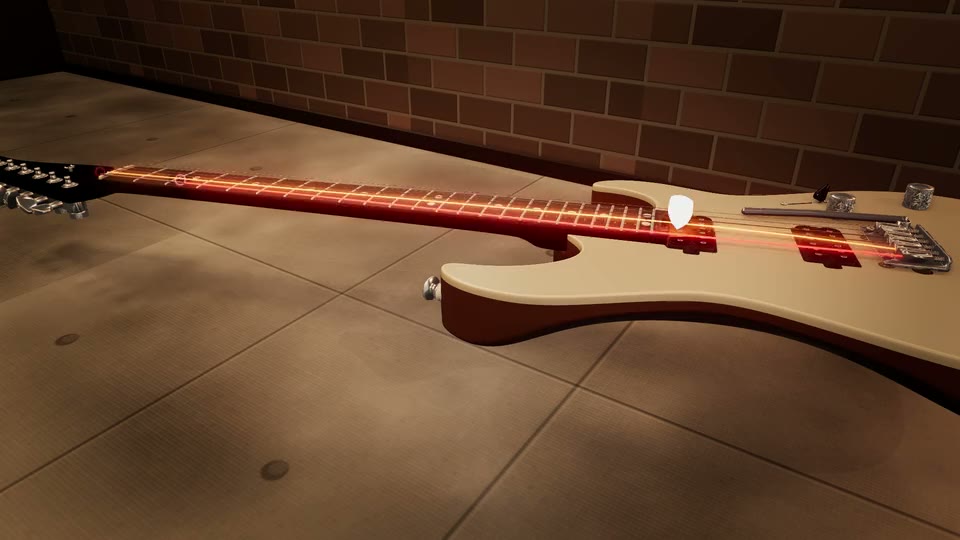
The 3D guitar in Backstage: a cream electric lying on a wooden floor against a lit brick wall.
BackstageCream electric, brick wall
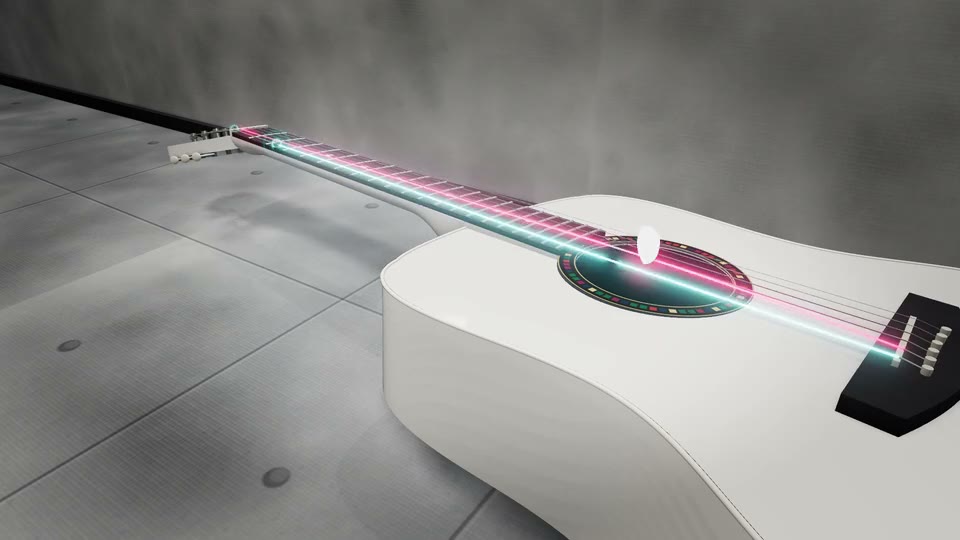
The 3D guitar in Gallery: a white body in a bright concrete room, the one look that is not dark.
GalleryWhite body, bright room

Creator opens the sandbox behind them: your own colors, scenes, body finish, artwork, light and camera, saved as looks you can reuse.

Open the 3D Guitar
Practice ModeCreator

It tells you which string was missing

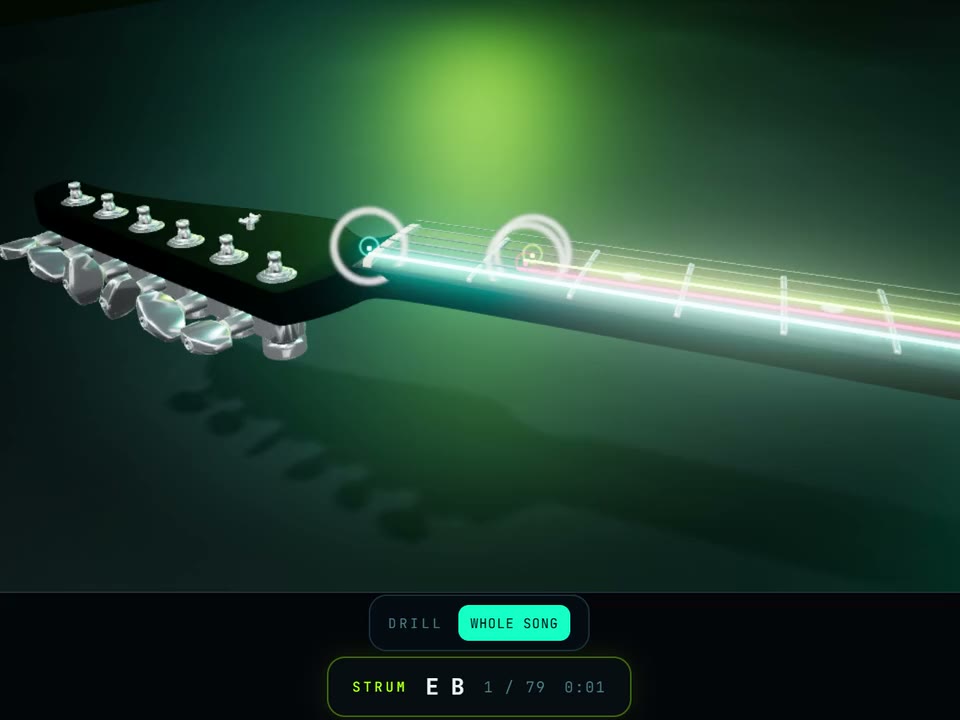
Practice Mode after a failed strum on the 3D guitar: the target rings on the neck turn lime for the note it heard and amber for the note still missing, and a line under the stage names the string and fret of the note that did not sound.

missing the B: A string, fret 2

What the app writes under the stage after a strum like that one.

Every app that listens can tell you a chord failed. This one says what failed. Miss the strum and the targets on the neck split: lime for the notes it heard, amber for the one you still owe, and the heard ones stop pulsing so your eye lands on what is left.

Then it writes the correction out, in words, under the stage. On a single note that is a fret or two out, it says which way to move. It knows the chord it asked for, so it can name the string you left out instead of handing you a percentage.

And it waits. The song holds on the note until it hears you, with nothing counting down, in the player and on the 3D guitar alike. Your mic is enough: no cable, no plugins. Every finished run earns XP and keeps your streak going. The demo songs practice free. Practicing your own songs comes with Creator at €7.99 a month.

A real instrument underneath

The video is the door. Behind it is the tool you stay for, and most of it costs nothing: the player in portrait or landscape, looping and the speed control from 25 to 200 percent, the chord library, a tuner, and Practice Mode on the demo songs. Practicing your own songs is the one part that comes with Creator.

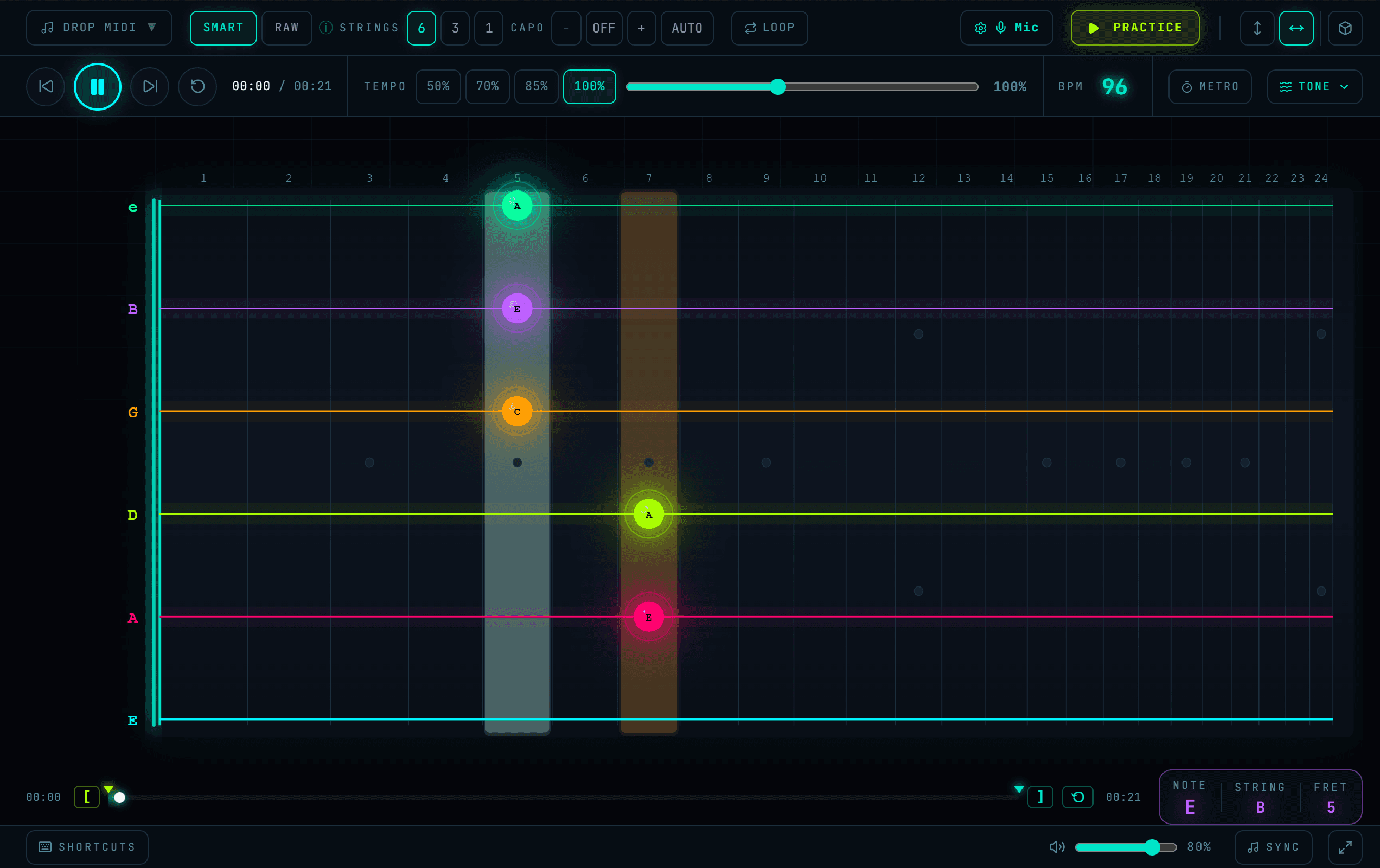
The player with a strum lit across five strings: the note letters sit on the frets a hand would use, and the readout under the neck names the note, the string and the fret.

The player itself. Every note lands on the string and fret a hand would use.

Two views

Portrait and landscape, both playing the same file. MIDI and Guitar Pro.

Chord library

60 chords drawn with the fingering, not just the dots, plus a progression builder.

Tuner

Needle locks green when you land the note. Free, and it needs no account.

Runs in your browser · Nothing to install · Your audio never leaves your device

Free to make. Creator to keep going.

Three videos a month, free, in full 1080p, with a small neural-fretboard.com mark in the corner and a short end card. Creator lifts the cap, doubles the frame rate, drops the mark and the card, and opens the design sandbox.

Free
€0forever
  • Drop in any Guitar Pro or MIDI tab and watch it played note for note, on the frets a hand would use
  • Loop the hard bar and slow it down, anywhere from 25 to 200 percent
  • Practice Mode on the 10 demo songs, 5 classics and 5 riffs: the song waits for your mic and names the string you missed
  • 3 videos a month, full 1080p, all 11 built-in looks, with a small neural-fretboard.com mark in the corner and a short end card
  • Chord library, tuner and metronome, plus 3 saved songs

Creating your account also starts a 7-day trial of Practice Mode on your own songs, the deep slow-down and the real guitar sound. No card is taken, and it never turns into a subscription.

Create a free account
Cancel anytime
Creator
€7.99/month · or €59/year
  • Practice Mode on your own songs: the tab waits for you and tells you which string was missing
  • Slow any passage down to 5 percent, note by note
  • Real sampled guitar sound on your own songs: acoustic, electric, rock and metal through an amp
  • Unlimited saved songs and unlimited videos at 60 fps, with no corner mark and no end card
  • Design and save your own 3D guitar look, with your logo on the board

Monthly or yearly, your choice. Cancel anytime on the site with nothing but your email, and the plan runs to the end of the period you paid for.

Go Creator

Secure payment via Stripe · Instant access · Cancel anytime

Questions, answered

I do not have a Guitar Pro file. Can I still use it?

Yes, and you do not need an account either. Ten demo songs, five classics and five riffs, play with one tap in the browser with nothing to install. For a specific song, search it on a tab site that offers a Guitar Pro download and drop the .gp file in.

I already have a folder of Guitar Pro files. What happens when I drop one in?

It is played as written: your tuning, the capo at its own fret, palm mutes, and the tab author’s own fingering. The 3D guitar performs it while the neck lights the notes, you can loop any bar and pull the speed down to 25 percent, and Practice Mode holds each note until your mic hears you (free on the ten demo songs, a Creator feature on your own). Bringing your own file takes a free account, which saves 3 songs.

Is it free?

Playing is free with no account at all: the ten demos, looping, the speed control from 25 to 200 percent, Practice Mode on those demos, the chord library and the tuner. A free account adds your own files, 3 saved songs and 3 videos a month in full 1080p, each with a small neural-fretboard.com mark in the corner and a short end card. Creator is €7.99 a month or €59 a year, and the free account starts a 7-day trial of it with no card.

Does it work on my phone?

Yes. The 3D guitar plays on a phone, and Practice Mode works with the phone microphone on the demo songs. The first load on a phone takes a while, because the whole instrument is built in your browser; after that it is quick. The video studio is easier on a laptop, and the page can email you the link.

Fifteen more answers in the full FAQ.

Your riff is already a video.

Start with a riff, no account and no file. Bring your own tab when you are ready.