See any MIDI file as guitar tab.
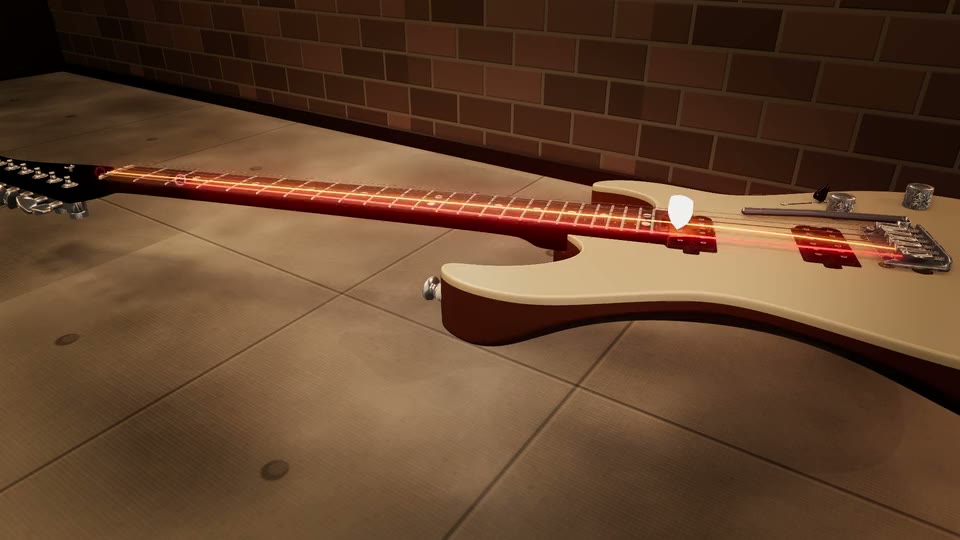
A MIDI file knows which notes to play and when, but not where. It has no idea which string or which fret, and on a guitar the same pitch can sit in five or six places. Drop the file here and a fingering engine picks a string and fret for every note, then shows the result as a scrolling tab strip and on a 3D guitar neck.
It fingers the song as a whole, not note by note, so the hand stays in a sensible position instead of jumping across the neck, and it tells you honestly how playable the result is.
Open a MIDI file as tab
Drop a .mid or .midi file. It opens in the 3D Guitar; press TAB above the stage (on a phone: SHOW TAB in the panel) to show the tab strip. Demo songs play without an account; loading a file of your own takes a free one.
Or drag it anywhere onto this box. It plays in your browser and is saved to your own private library.
Can you convert a MIDI file to guitar tab online?
You can see it as guitar tab, free in your browser. Neural-Fretboard reads any standard MIDI file, chooses a playable string and fret for every note with a fingering engine that looks at the whole song, and plays it back on a 3D guitar with a scrolling tab strip, so you read the tab while you hear and watch it. It also rates how playable the result is. What it does not do is hand you a tab file: there is no Guitar Pro or PDF download, it is a player, not a converter.
MIDI carries pitch and timing only, so every fingering is worked out rather than read from the file. A piece written for piano can come out genuinely unplayable on six strings, and the playability rating says so rather than pretending. Your own files need a free account; the demo songs do not.
From MIDI file to tab you can play
Drop the MIDI file
Any standard .mid or .midi. The track that looks most like a guitar part is picked for the neck.
Show the tab
Press TAB above the stage. The strip scrolls with the song and every note also lights on the 3D neck at the same string and fret.
Check it and play along
The stats ring rates how playable the fingering is. Slow it down, loop the hard bar, and play it on your own guitar.
Why MIDI to tab is harder than it looks
Turning MIDI into tab is not a lookup. Take the E above middle C: on a standard-tuned guitar you can play it on the high E string open, on the B string at the 5th fret, the G string at the 9th, the D string at the 14th, the A string at the 19th, and on a 24-fret neck even the low E at the 24th. A converter that simply takes the first free string produces tab that is correct note by note and impossible to play in time, with the hand leaping across the neck between neighbouring notes.
Chords make it worse. Several notes sound at once, so they must land on different strings and within one hand span, and the shape has to connect to the one before it.
How the fingering engine decides
The engine groups notes that sound together into chords, works out every shape a hand could actually hold for each one, and then picks the path through the whole song that keeps the hand moving least, so it prefers staying in one position over jumping, and prefers a comfortable fret over an extreme one. On the bundled tapping lick, one of the demo songs anyone can open, it cuts the hand travel from 5.26 frets a note to 0.90 and spreads the line over three strings instead of one.
You can compare it with the plain approach at any time: SMART is the engine, RAW places every note on the first string that can reach it. Not every file needs the engine; a riff that already sits well on the neck comes out the same both ways.
Honest limits
There is no tab file to download: no Guitar Pro file, no PDF, no text tab. If you need an editable tab file, a notation editor that imports MIDI is the right tool; this is for seeing, hearing and playing the result.
MIDI files have no tuning, capo or technique information, so the tab assumes standard tuning, and it shows no bends, slides or palm mutes: MIDI records which notes sound, not how they were played. If you have the song as a Guitar Pro file, open that instead: it carries the tab author’s own fingering, and the Guitar Pro player shows it exactly as written.
What you get, honestly
- Free: the 3D Guitar, the tab strip and the fingering engine. Demo songs work without an account; your own MIDI files need a free one.
- Every note gets a string and a fret chosen for the whole song, not note by note.
- A playability rating tells you whether a real hand can play the result.
- No tab file download. It shows and plays the tab; it does not export it.